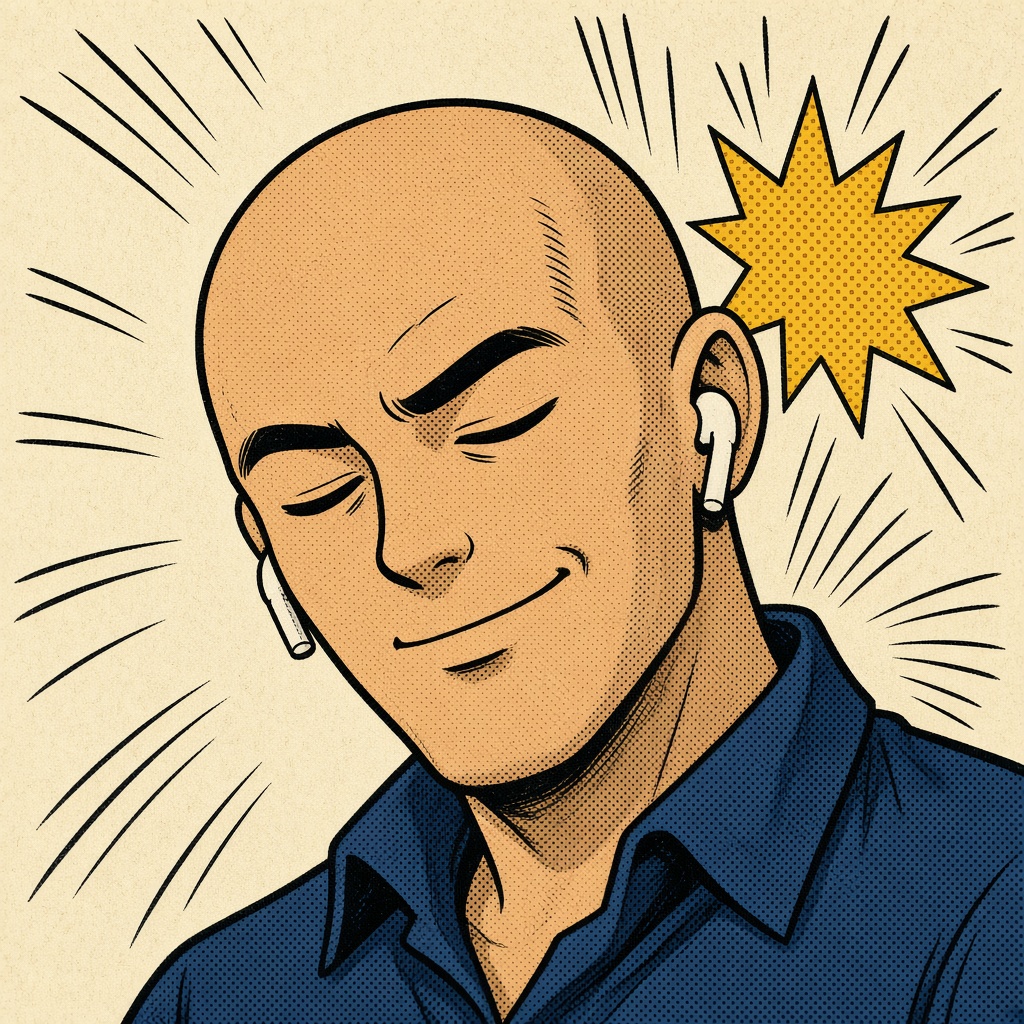
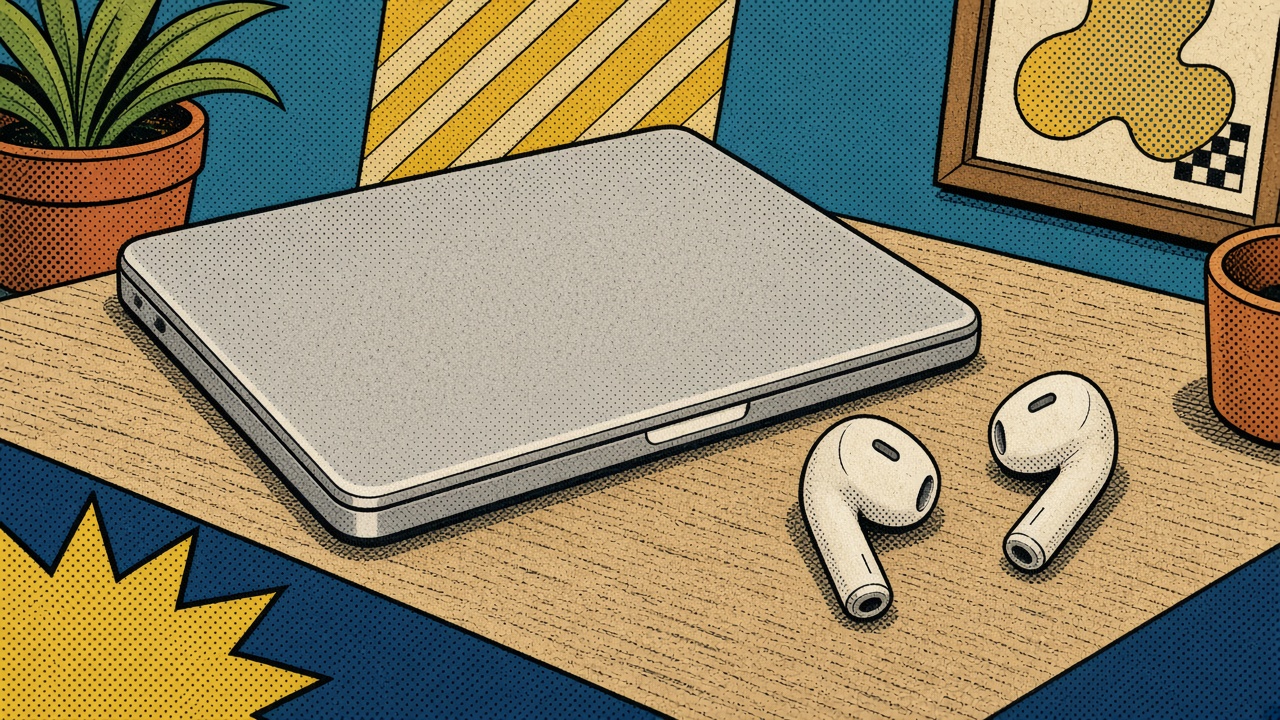
That’s it. That’s the app: a free Mac posture coach and head-gesture launcher that uses the motion sensors Apple already put in AirPods. No camera. No cloud. AirPoise just draws the rest of the panel.
Free · ~2.5 MB · macOS 14+ · AirPods Pro / 3 / 4 / Max / Beats Fit Pro
How AirPoise works
Panel 1
Sit the way you mean to.
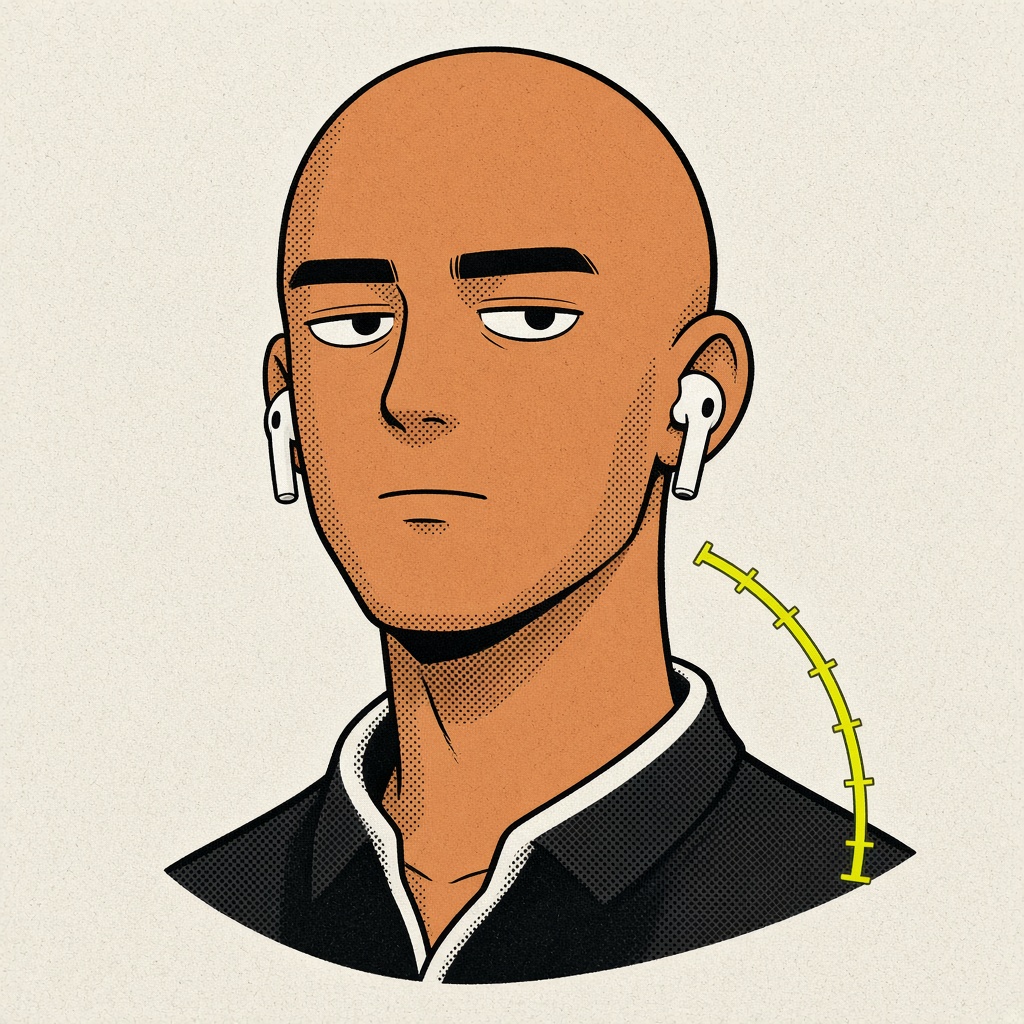
Calibrate once. Gravity does the rest. Flexion is chin-forward. Side is ear-to-shoulder. A level head on a rounded back still reads “good” — the buds cannot see your spine, and we won’t pretend they can.
Panel 2 · 47 minutes later
SLUMP!
Then the chin creeps.
Held too long, you get a nudge: glass overlay, optional ping, optional spoken cue. Not a lecture. A tap on the panel border.
Panel 3
A nod is not a slouch.
A gesture is an excursion that returns. Bind sixteen of them to play/pause, Spaces, Shortcuts, a URL, a script — anything a Mac can do with its mouth shut.
There’s a lot more than posture.
Useful, unhinged utilities for your head. Same ink. Same buds. Whole other plot.
The live HUD · try a pose
✓
Excellent
right bud · 25 Hz
Good posture+2°
+2°FLEX
0°SIDE
−4°YAW
2hWORN
Forward+2°
Side0°
Posture is the angle of gravity.
Apple already fused the IMU for Spatial Audio. AirPoise does not invent a second compass. It reads CMDeviceMotion, compares gravity to the pose you calibrated, and keeps score while you work.
No camera. No cloud. The stream lives in memory and then it doesn’t.
On-device. That’s the whole privacy policy.
Nothing leaves your Mac.
No analytics. No account. No network. Settings sit in ~/Library/Application Support/AirPoise. Accessibility is unused unless you bind a keystroke. AppleScript and shell run only if you wrote that panel yourself.
Sixteen moods of yes and no.
Click a panel. That’s the sound a shortcut makes in this comic.
Dial in your sit.
LibrarianGargoyle
NagZen monk
Defaults: ≤7° excellent, ≤12° good, held lean ~12s, slouch ~8s. All of it is a slider in Settings. A walk-rejection filter ignores you when userAcceleration says you stood up. The rest tracker follows a slow sit, so a slump is not a permanent nod.
Also, it does these things.
Menu bar onlyNo dock icon. Lurks with the date.
Gravity, not gyro dramaTake the buds out. Put them back. Baseline holds.
1€ smoothingQuiet when you hold still. Fast when you flick.
Walk rejectionWon’t scold you in the hallway.
Daily scoreTime-in-band. Not a wellness cult.
Launch at loginAlways in the gutter of the day.
Axis invertSome firmware is backwards. Flip it.
If Spatial Audio canPro, 3, 4, Max, Beats Fit Pro.
Custom bindingsRecord your own moves. Chain them. Per-app action sets.
soon
Sound & spoken cuesNudges that talk back. A nudge you can’t hear is a blank panel.
Letters to the editor
Does AirPoise see my spine?
No. It reads head pose from the AirPods IMU — flexion (chin forward) and lateral tilt vs. your calibrated upright. A level head on a rounded back still reads “good”. Honest limitation. Not a bug. Not a twist ending.
Does it work on Intel Macs?
It needs macOS 14 Sonoma — that’s when CMHeadphoneMotionManager arrived on the Mac. Apple Silicon on Sonoma+ is the strip we drew. Intel on Sonoma may run. We don’t letter that page.
Will it trigger while I type or walk?
No. Walk-rejection uses userAcceleration. Gestures need an excursion that returns. A slow slouch is not a nod, no matter how committed the chin.
Does it drain my battery?
Barely. It reads the already-fused CoreMotion stream at ~25 Hz and drops each sample. No camera, no network, no continuous 3D. Sleeps when the buds disconnect.
Can I add my own sounds or actions?
Every gesture can be a keystroke, a Shortcuts action, a URL, a shell script, AppleScript, media keys, volume, brightness, Mission Control, Spaces, screenshot, lock, Launchpad, Spotlight, or sleep. Sound packs are on the roadmap.
Is there a Windows version?
No. CoreMotion is Apple-only. There will not be a Windows crossover issue.
What if an axis feels backwards?
Settings → General. Per-axis invert. Some buds letter the page in mirror.
Sit better today.
Free. Smaller than a burrito. Straighter than your back.
 AirPoise
Vol. 1 No. 1 · The Daily Poise · Still only on Mac
AirPoise
Vol. 1 No. 1 · The Daily Poise · Still only on Mac